
Receive a payment across multiple charges (bulk receive)
When to use this
When a tenant sends one payment that covers several open charges at once — for example rent plus a late fee plus a utility charge — you record it a single time and split it across all of those charges. This keeps one payment record (matching the one check or transfer the tenant actually sent) while clearing several charges.
It’s the same Receive Payment screen used for a single charge; the only difference is that you check more than one charge and divide the total among them.
Before you start
- The tenant must have more than one open charge.
Steps
-
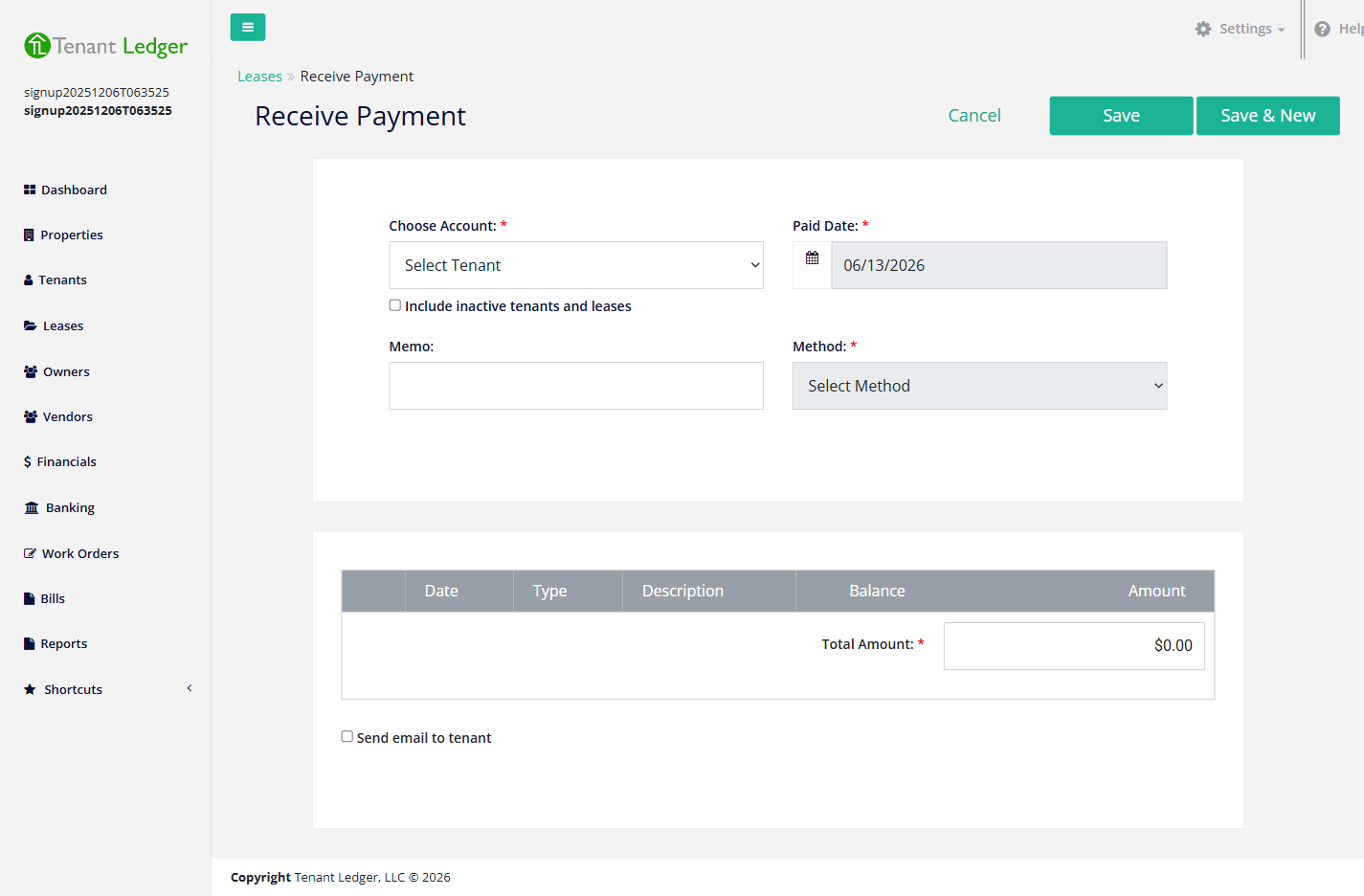
Open the Receive Payment screen (left sidebar → Shortcuts → Receive Payment, or the Action menu on the Lease Summary, or the Receive Payment button on the Leases list).
-
In Choose Account, select the tenant. All of their open charges appear in the table below.
-
Confirm the Paid Date, then choose the Method (and a Bank Account or Check # if the method requires one).
-
In the charges table, check the box next to each charge the payment covers.
-
For each checked charge, enter the Amount to apply to it. You can pay each charge in full, or apply part of the payment to each — for example put the full late fee on one line and the rest toward rent.
-
Make sure the Total Amount equals the sum of all the amounts you allocated across the checked charges — exactly, with no leftover and no overage.
-
(Optional) Check Send email to tenant to email a receipt.
-
Click Save.
What you’ll see
The Payment Summary lists every charge the payment was applied to and how much went to each. Charges that are now fully covered are marked paid, partially covered charges keep their remaining balance, and the lease balance reflects the result.
Tips
- The amount applied to any single charge can’t exceed that charge’s remaining balance — each line is capped at its balance.
- The allocated amounts must add up exactly to the Total Amount, or the form won’t save.
- A lease-level (shared) charge in the list is owed by the whole lease, not one tenant — you can still include it in the split.
- To collect for a specific tenant only, start from that tenant and use Receive Payment, which filters the list to their charges.
Related articles
Still stuck? Email support@tenantledger.com and a real person who knows the product will help.